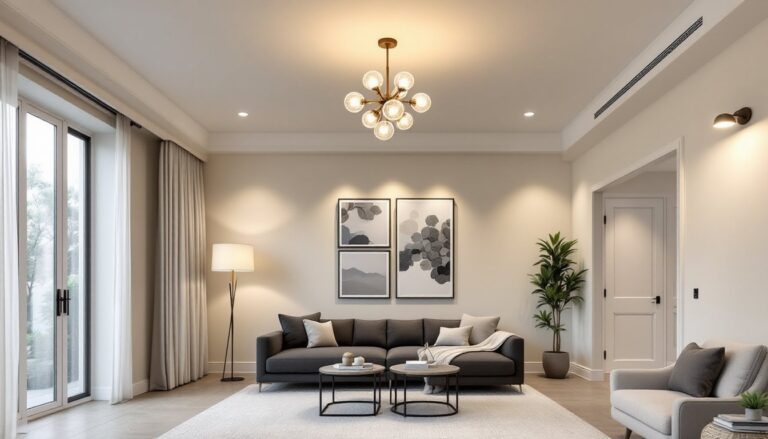
Smart lighting has come a long way from the clap-on lamps of decades past. Today’s IoT-enabled systems let homeowners control every bulb from their phone, set schedules that mimic natural daylight, and even integrate with voice assistants and motion sensors. Whether someone’s looking to slash their electric bill, boost home security, or just stop fumbling for light switches in the dark, smart lighting offers practical solutions that actually work. The technology’s matured enough that installation no longer requires an electrician for most setups, just a steady hand and about an hour of time.
Table of Contents
ToggleKey Takeaways
- IoT smart lighting cuts energy consumption by 60-80% compared to incandescent bulbs and typically pays for itself within 1-2 years through reduced electricity costs.
- Smart lighting systems offer three primary connectivity options: Wi-Fi bulbs for small deployments, hub-based systems for larger homes, and Bluetooth for limited spaces, each with distinct benefits and trade-offs.
- Most smart bulbs and switches can be installed DIY without professional help, with installation typically taking about an hour and requiring only a smartphone for setup.
- Smart lighting enhances both convenience and safety through features like geofencing, voice control, motion sensors, and circadian rhythm programming that improves sleep quality by 15-20%.
- Creative smart lighting applications including accent strips, task lighting zones, and automated pathway lighting transform home design while remaining budget-friendly and renter-friendly alternatives to traditional fixtures.
What Is IoT Smart Lighting and How Does It Work?
IoT smart lighting refers to LED bulbs, fixtures, and light strips that connect to a home’s Wi-Fi network or use protocols like Zigbee or Z-Wave to communicate with a central hub or smartphone app. Unlike traditional switches that operate on a simple on/off circuit, these devices receive commands wirelessly, allowing users to dim lights, change colors, or trigger automations from anywhere.
Most systems work through one of three setups. Wi-Fi bulbs (like many Philips Hue or LIFX models) connect directly to the router, making them plug-and-play but potentially bandwidth-heavy if someone installs dozens of them. Hub-based systems use a bridge device that translates Zigbee or Z-Wave signals into Wi-Fi commands, keeping the main network lean and allowing for faster response times. Bluetooth-enabled bulbs offer a third option for small spaces, though range limits them to about 30-50 feet from the controlling device.
The “intelligence” comes from embedded microcontrollers that let bulbs store settings, respond to schedules, and integrate with platforms like Amazon Alexa, Google Home, or Apple HomeKit. When a user says “dim the living room to 40%,” the voice assistant sends a command through the cloud to the bulb’s IP address or hub, which then adjusts the LED driver circuitry to reduce current flow. Many smart lighting systems now include motion sensors and ambient light detectors, so lights automatically brighten when someone enters a dark hallway or dim during bright afternoon hours.
Key Benefits of Installing Smart Lighting in Your Home
Energy Savings and Cost Efficiency
Switching to IoT smart lighting typically cuts lighting energy use by 60-80% compared to incandescent bulbs, and 20-30% versus standard LED bulbs that stay on unnecessarily. The difference comes from two factors: LED efficiency (80-100 lumens per watt versus 15 for incandescents) and automation that prevents lights from running when rooms are empty.
A typical smart bulb draws 8-12 watts to produce the same brightness as a 60-watt incandescent. Multiply that across 40-50 bulbs in an average home, add scheduling that turns off lights during work hours, and annual savings often hit $100-200 depending on local electricity rates (currently averaging $0.16/kWh nationally). Payback period usually runs 1-2 years, after which it’s pure savings.
Many smart bulbs and strips also report real-time energy consumption through their apps, letting homeowners identify which rooms waste the most power. Dimming capability extends this further, running LEDs at 50% brightness can reduce energy draw by roughly 40% while still providing ample illumination for most tasks.
Enhanced Convenience and Control
The real selling point isn’t just efficiency, it’s the ability to control lighting without getting off the couch. Geofencing features can trigger lights to turn on when someone’s phone GPS shows they’re a quarter-mile from home, ensuring they never walk into a dark house with armfuls of groceries. Vacation modes randomize lighting patterns to simulate occupancy, a proven deterrent that beats timers set to the same schedule every night.
Voice control eliminates the need to find wall switches in the dark or when hands are full. Telling a voice assistant to “turn on the kitchen lights to 75%” while carrying a hot casserole dish isn’t just convenient, it’s a safety feature. Scene programming takes this further, letting users set multiple lights to coordinated brightness and color with a single command. A “movie night” scene might dim the living room to 20%, turn off the kitchen pendants, and activate bias lighting behind the TV.
For homes with elderly residents or mobility challenges, smart lighting removes the need to navigate stairs or hallways to reach switches. Motion-activated lights in bathrooms and hallways provide automatic illumination during nighttime trips, reducing fall risk without the energy waste of leaving lights on all night.
Choosing the Right Smart Lighting System for Your Space
System selection depends on three factors: existing infrastructure, planned scale, and ecosystem preferences. Someone replacing 5-10 bulbs in a rental apartment has different needs than a homeowner rewiring a whole house.
Wi-Fi bulbs make sense for small deployments (under 15 bulbs) or renters who can’t install hubs. They screw into existing sockets and work immediately after app setup. The downside: they consume router bandwidth and can slow networks if deployed heavily. They’re also slightly more expensive per bulb, expect $15-25 each for color-changing models.
Hub-based systems (Philips Hue, Samsung SmartThings, Lutron Caseta) cost more upfront ($50-100 for the hub) but scale better and respond faster since they don’t bog down Wi-Fi. Zigbee and Z-Wave create mesh networks where each device strengthens the signal, making them reliable even in large homes. Bulb costs drop to $10-15 each when buying multipacks. These systems integrate smoothly with other smart home platforms and typically offer more advanced automation options.
Smart switches replace existing wall switches and control whatever bulbs are installed, standard LEDs work fine. This approach costs $25-60 per switch but makes sense when someone wants to control multiple bulbs on the same circuit, like six recessed cans in a ceiling. It also prevents the “dumb switch” problem where someone flips the wall switch off, cutting power to smart bulbs and making them unreachable via app.
Compatibility matters. Someone with Amazon Echos throughout the house should verify Alexa support. Apple users need HomeKit certification for Siri control. Google Assistant works with most systems, but double-checking before purchase avoids returns.
For outdoor applications, ensure products carry an IP65 rating or higher for weather resistance. LED exterior solutions designed for smart integration often include built-in motion sensors and dusk-to-dawn photocells that work independently even if the network goes down.
DIY Installation Guide: Setting Up Your IoT Smart Lights
Most smart lighting installs require no tools beyond a smartphone, though replacing switches involves basic electrical work. Always flip the circuit breaker before touching any wiring, a non-contact voltage tester ($15-20) confirms power’s off.
For Smart Bulbs:
- Remove the old bulb and screw in the smart bulb. Make sure the wall switch is in the ON position, smart bulbs need constant power to maintain network connection.
- Download the manufacturer’s app and create an account.
- Follow the pairing process, which typically involves turning the bulb on and off in a specific sequence to put it in discovery mode. The app will detect it via Bluetooth or Wi-Fi.
- Name the bulb by room and add it to groups if controlling multiple lights together.
- Connect to voice assistants by enabling the corresponding skill in Alexa, Google Home, or Apple Home apps.
For Smart Switches:
- Turn off power at the breaker panel and verify with a voltage tester.
- Remove the old switch faceplate and unscrew the switch from the electrical box.
- Note wire positions: usually a black (hot) wire, white (neutral), green or bare (ground), and possibly a red (load) if it’s a three-way setup. Take a photo before disconnecting anything.
- Many smart switches require a neutral wire, if the box only has black and ground, a professional retrofit may be needed or choose a switch model that works without neutral.
- Connect wires to the smart switch per manufacturer instructions using wire nuts. Typical setup: neutral bundle to white, ground to green, hot to black terminal, load to the remaining terminal.
- Tuck wires into the box, screw the switch in place, and restore power.
- Pair the switch through its app, then test manually and via voice control.
Safety gear: Wear safety glasses when working overhead with bulbs and insulated gloves when handling electrical boxes. If the home was built before 1990 and aluminum wiring is present (silver-colored, not copper), hire a licensed electrician, aluminum requires special connectors and technique.
Some workspace lighting setups benefit from a mix of smart bulbs in desk lamps and smart switches for overhead fixtures, allowing independent control of task and ambient lighting zones.
Creative Ways to Use Smart Lighting in Home Design
Smart lighting does more than replace switches, it’s a design tool that transforms how spaces feel throughout the day. Circadian rhythm programming adjusts color temperature from cool blue-white (5000-6500K) in morning hours to warm amber (2700-3000K) at night, supporting natural sleep cycles. Research from the Lighting Research Center shows this can improve sleep quality by 15-20% compared to static lighting.
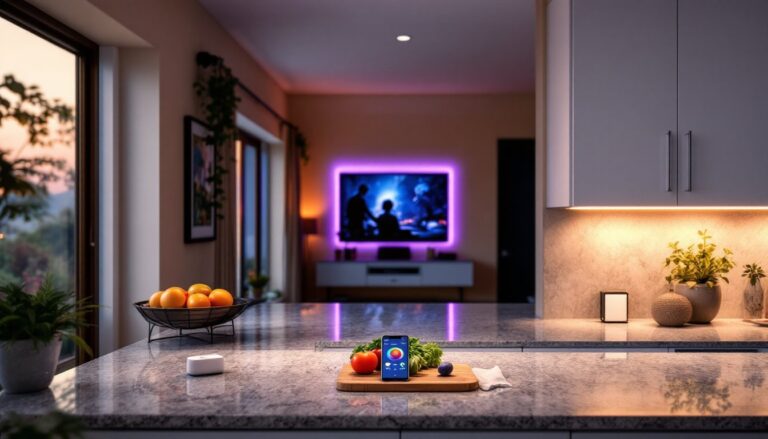
Accent lighting brings architectural features to life without new fixtures. RGBW LED strips behind floating shelves, under cabinets, or along baseboards add depth and can shift color to match seasons, holidays, or moods. At $25-40 for a 16-foot strip, it’s cheaper than recessed cans ($150+ per light with installation) and easier for renters since strips stick on with adhesive backing.
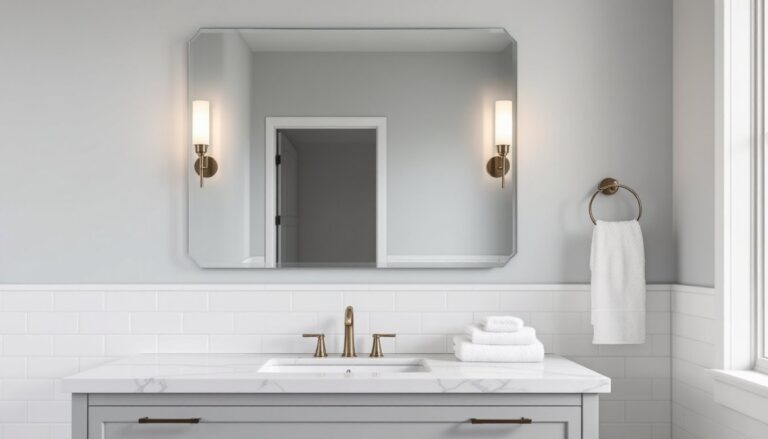
Mirror backlighting in bathrooms eliminates shadows on faces during grooming, mount strips vertically on both sides of the mirror at eye level, then set brightness to 80-100% at 4000K for accurate color rendering. Makeup application and shaving become noticeably easier with even, shadow-free light.
Task lighting zones let different activities happen in the same room without compromise. In kitchens, bright white (4000K) under-cabinet lights help with food prep while warmer pendant lights over the island create comfortable dining ambiance, controlling them independently means cooking and eating modes don’t clash. Many complete lighting solutions include both bulbs and strips for this layered approach.
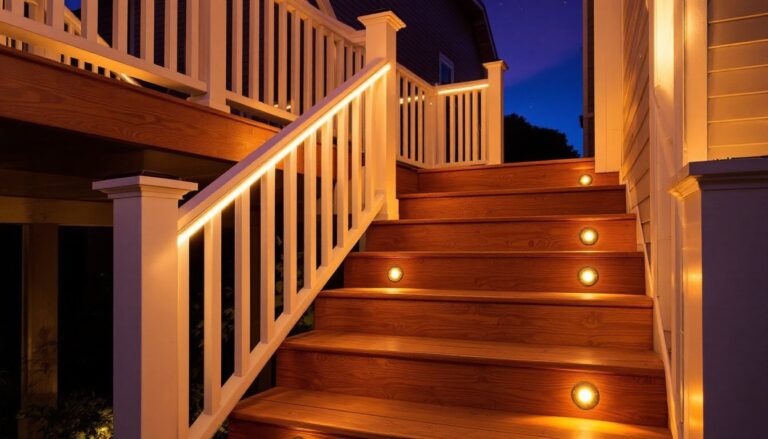
Motion-activated pathway lighting guides nighttime movement safely without disrupting sleep. Set hallway and stairway lights to activate at 10-15% brightness when motion is detected between 10 PM and 6 AM, enough to see but not enough to wake fully.
For those shopping systems in person, the Home Depot lighting department offers demo displays where customers can test different brands’ color accuracy and app interfaces before committing to a full-home installation.
Smart lighting also solves the “forgotten light” problem in basements, garages, and closets. Set automatic timers so lights turn off after 10 minutes of no motion, no more returning home to find the garage has been lit all day.
The flexibility means experimenting costs nothing once the system’s installed. Try different scenes, adjust schedules seasonally, or reprogram everything when furniture moves. That’s something standard switches can’t match.